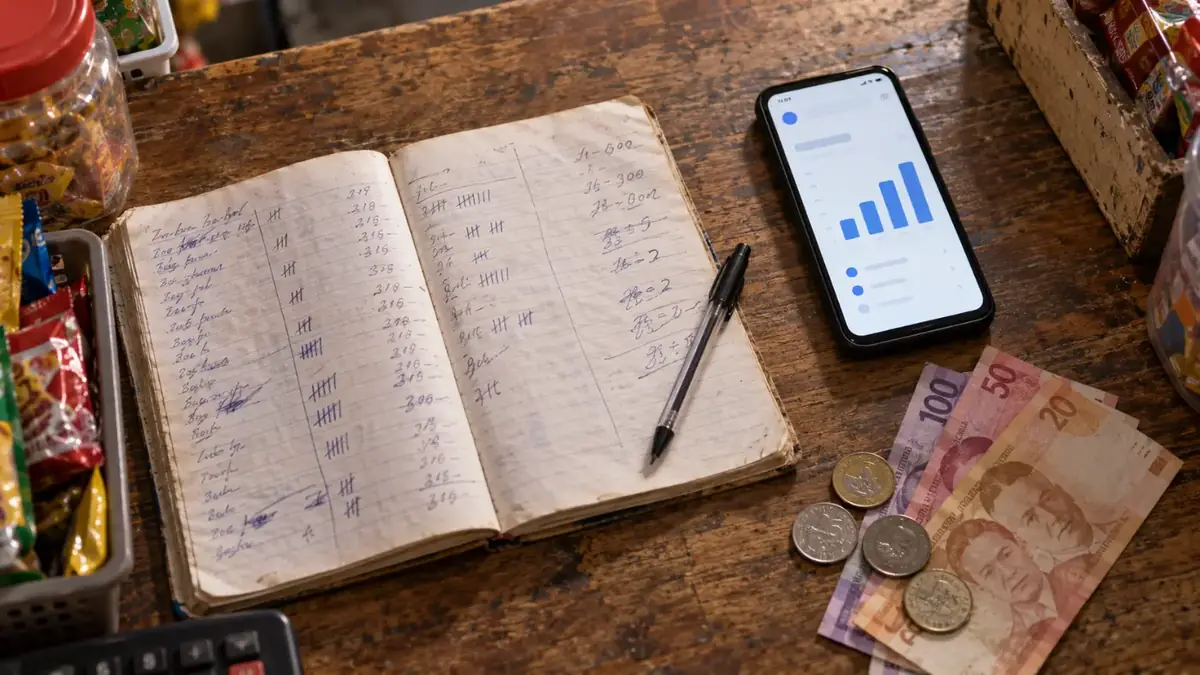
If you're planning to open a sari-sari store or a small shop, your list probably already looks like this: puwesto, puhunan, paninda, permits and suppliers. Those come first, and they should.
But one thing is often left off the list until problems start: a way to keep track of sales, stock and profit from day one. For most first-time owners that's a notebook, and it works until the store gets busy, a page gets wet, or you can't remember whether the shampoo sachets were ₱7 or ₱8.

Why think about a POS before you open
From the very first day, three questions matter more than anything else:
- How much did I sell today?
- How much of that is profit? Sales minus what the goods cost you.
- What's running out? So you restock before customers leave empty-handed.
A notebook can answer the first question if you add it up every night. The second and third take real work. A POS answers all three automatically, because every sale is recorded with its price and cost, and stock goes down as you sell.
Starting with a POS is also easier than switching later. When you open, you're already writing down every product, price and starting stock. Entering them into a POS at the same time takes the same effort, and you never have to transfer months of notebook records.
"Matagal na akong may tindahan. Bakit kailangan ko pa ng POS?"

If you've run a store for years and sales are fine, that's a fair question. A POS doesn't replace your experience, your diskarte or your relationships with your suki. It's a helper that shows you what's really happening:
- Daily sales, without adding them up. You see today's total at any time.
- Fast sellers vs. slow sellers. You see which items earn money and which just take up shelf space.
- Low-stock warnings before an item runs out.
- A record of every sale your staff make, under their own PIN.
Already have your products in Excel? You can import the whole list instead of typing it item by item. And if your area has weak signal, selling still works offline.
What you need to start
Less than most people think. You don't need a computer, a barcode scanner or a receipt printer to start. A phone is enough: the camera scans barcodes, and sales, stock and reports are all on the phone. You can add a scanner, a printer or a bigger screen later if the store grows. (See Run your store from your phone, even without signal.)
Setting up takes about a minute:

- Go to huggspos.com and tap Try Free, then Create Store.
- Enter your store name, store type and email, then confirm your email.
- Add your products, by typing them in or importing your Excel list.
Is it legal to use a POS in the Philippines?

It depends on what you use it for.
- To issue receipts or invoices to customers, the machine or software has to be registered with the BIR. Using an unregistered POS for official receipts or invoices is not allowed.
- To monitor your own sales, stock and profit, a POS is just a record-keeping tool, like a notebook or a spreadsheet. That's fine, as long as you still issue your BIR-registered invoices for every sale as required.
If you use HuggsPOS, or any POS, only to monitor your store, keep issuing your BIR-registered invoices separately.
Tax rules depend on your registration, and they change. For anything about invoices, registration or your obligations, ask your Revenue District Office (RDO) or an accountant. This article is general information, not tax or legal advice.
Your opening checklist
- Location (puwesto)
- Starting capital (puhunan)
- First stock (paninda) and suppliers
- Business permits and BIR registration
- A system for sales, stock and profit, set up before your first sale