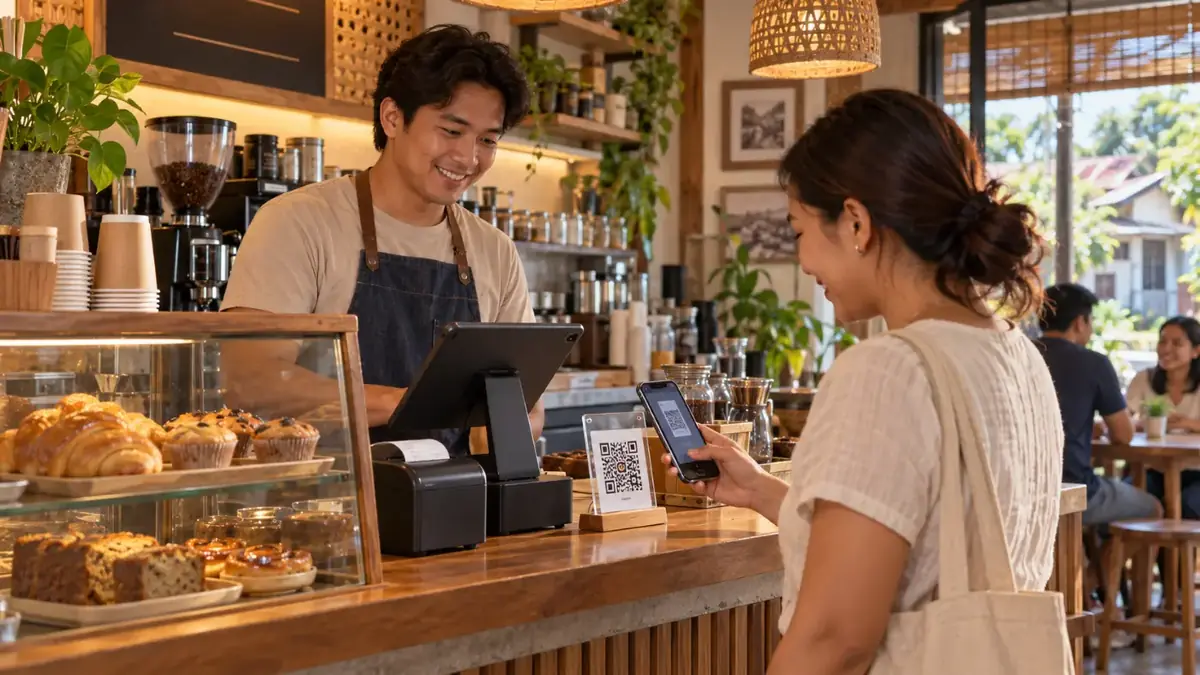
A point-of-sale (POS) system is what you use to ring up sales, print receipts and keep track of your money and stock. For a small business, the right POS saves hours every week and helps you make better decisions. The wrong one costs money, slows you down, or ends up unused.
Whether you run a sari-sari store, a café, a carinderia, a salon or a small retail shop, here are seven things to check before you choose.
1. Total cost — not just the starting price
Traditional POS setups often require dedicated hardware: a POS terminal, cash drawer, receipt printer and barcode scanner. On top of that, some charge monthly software fees.
Before deciding, add up:
- Upfront hardware you need to buy
- Monthly or yearly subscription fees
- Setup or installation fees
- Costs for extra devices or users
Cloud-based POS apps that run on the phone or tablet you already own can remove most of the hardware cost. Many also have a free plan, so you can try them with your real store before paying anything.
2. Does it work on devices you already have?
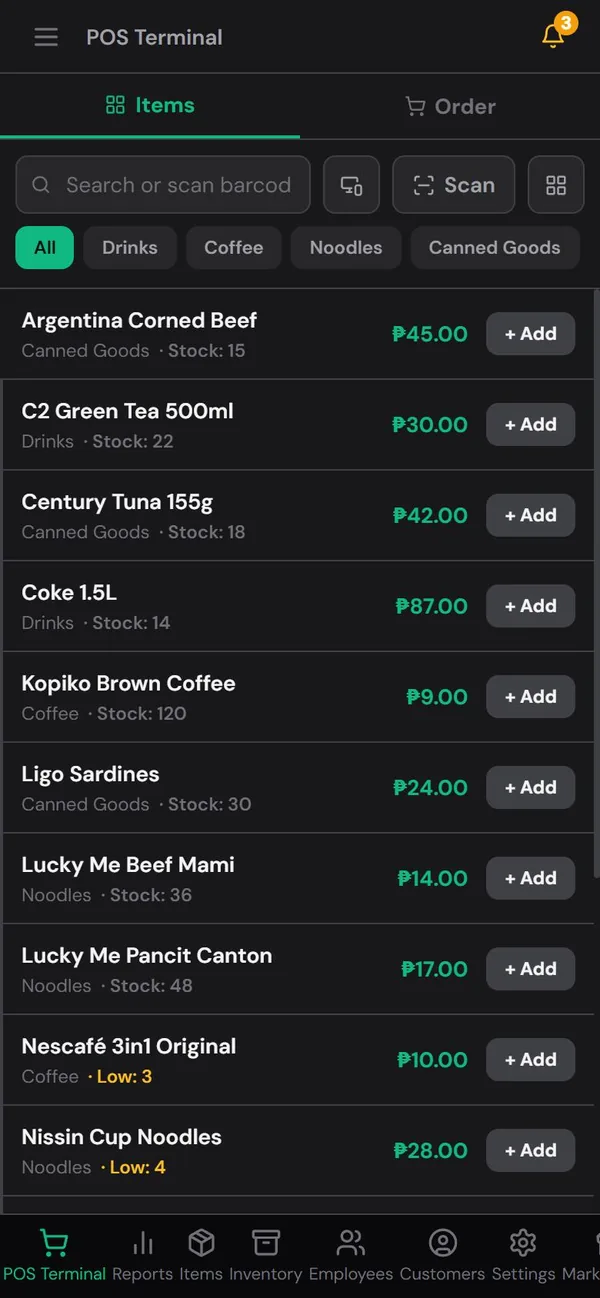
For most small businesses in the Philippines, the most practical POS is one that runs on an ordinary Android phone, a tablet or a laptop. Check:
- Does it work on phone, tablet and computer?
- Can you use more than one device at the same time (for example, a phone at the counter and a laptop at home)?
- Does it need a special app download, or does it also work in the browser?
3. Can it keep working without internet?
Internet connections drop — especially outside big cities. A POS that stops working when the signal disappears means you can't sell.
Look for a POS that keeps recording sales offline and syncs automatically when the connection comes back. Ask specifically: "If my internet goes down for an hour, can I still ring up sales?"
4. Does it handle the way your customers pay?
Your customers don't only pay in cash anymore. Make sure the POS lets you record:
- Cash (with automatic change calculation)
- GCash and Maya
- Cards, if you accept them

If you also offer GCash cash-in or cash-out as a service, check whether the POS can track those transactions and your cash and e-wallet balances. It saves a lot of confusion at closing time.
5. Inventory tracking that's easy to keep up
A POS should do more than add up totals. Good inventory features include:
- Stock that updates automatically after every sale
- Low-stock alerts so you know what to restock
- Barcode scanning, ideally using your phone camera
- Categories to keep hundreds of items organized
If updating stock feels like extra work, you'll stop doing it. The best inventory features are the ones that happen automatically.
6. Reports you'll actually read
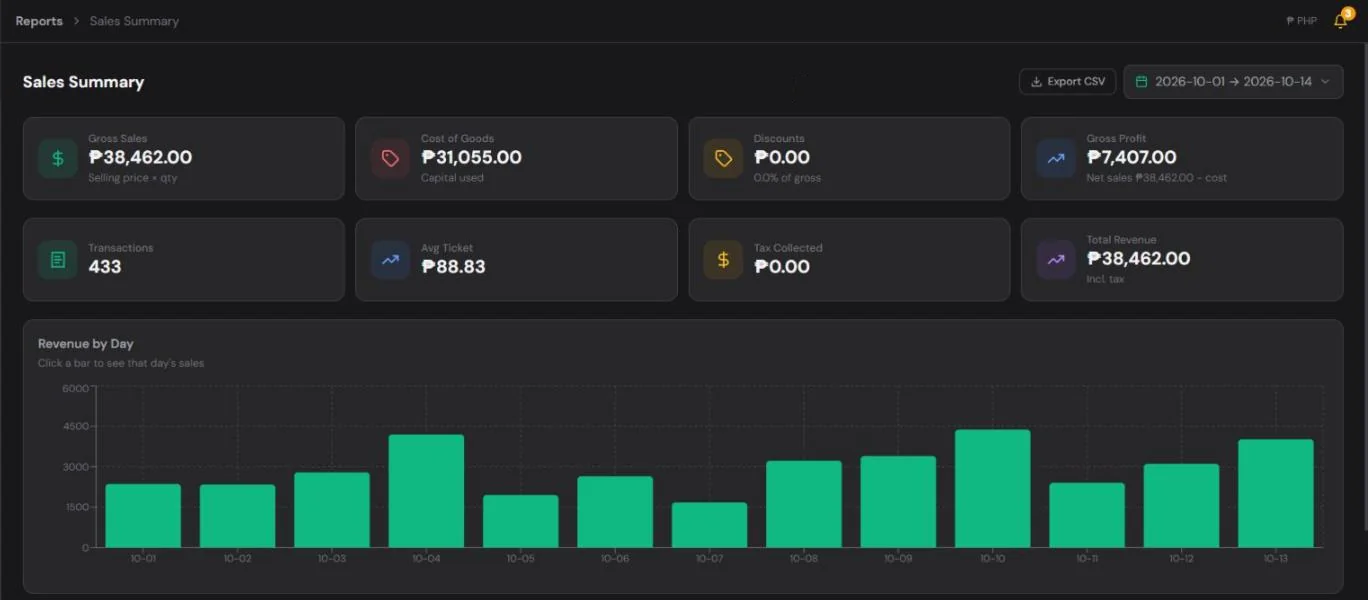
Reports turn your sales into decisions. At minimum, you want to see:
- Daily, weekly and monthly sales totals
- Best-selling items (and the ones that don't sell)
- Sales by payment method
- Profit, if you record your item costs
Simple, clear reports beat complicated dashboards. If you can understand your week in one minute, you'll check it every week.
7. Staff, receipts and growth
Think about where your business will be in a year:
- Staff: can each employee log in with their own PIN, so you know who made each sale?
- Receipts: can you print to a receipt printer, or show and share receipts digitally?
- Corrections: if a sale is entered wrongly, can it be voided properly so stock and cash are corrected?
- Selling online: some POS systems let you share an online catalog or store link with customers.
You don't need all of these on day one, but it's good to choose a system you won't outgrow quickly.
A quick checklist
Before you decide, try the POS with your actual store for a week and ask:
- Was ringing up sales faster than my current method?
- Did it keep working when the internet was slow?
- Could I see today's total at closing without adding anything up?
- Did my stock numbers stay accurate?
- Is the total cost reasonable for my business?
Where HuggsPOS fits
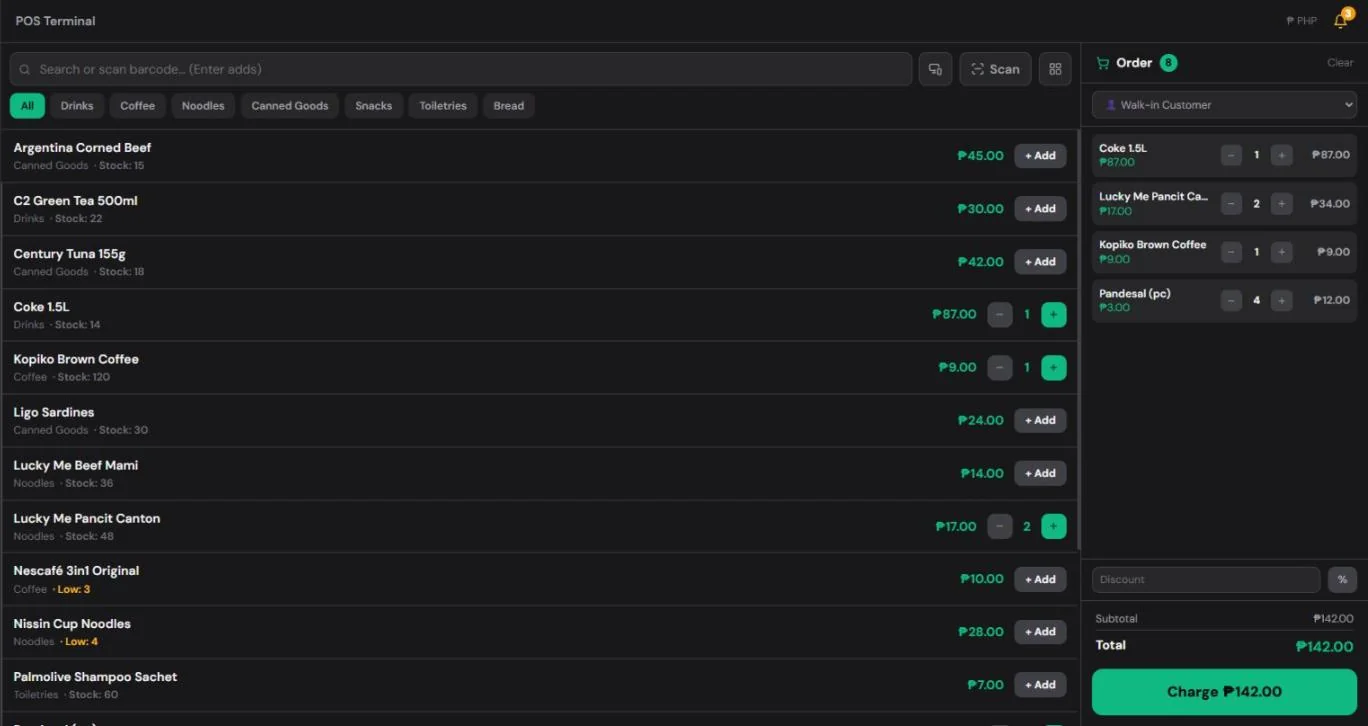
HuggsPOS was built for exactly this kind of business. It runs on any phone, tablet or computer, keeps working offline, and records cash, GCash, Maya and card payments. Stock updates with every sale, low-stock alerts tell you what to reorder, and reports show your sales by day, item and payment method.
- Free plan: POS, items and categories (up to 50 items), inventory and sales reports for the last 7 days.
- Pro: ₱350/month or ₱2,990/year — full reports and sales history, staff PINs, customers, discounts, your own store link and up to 500 items.
- Every new store gets 30 days of Pro free, no credit card needed.
The best way to choose is to try it with your own store. Create your free HuggsPOS account and ring up your first sale today.