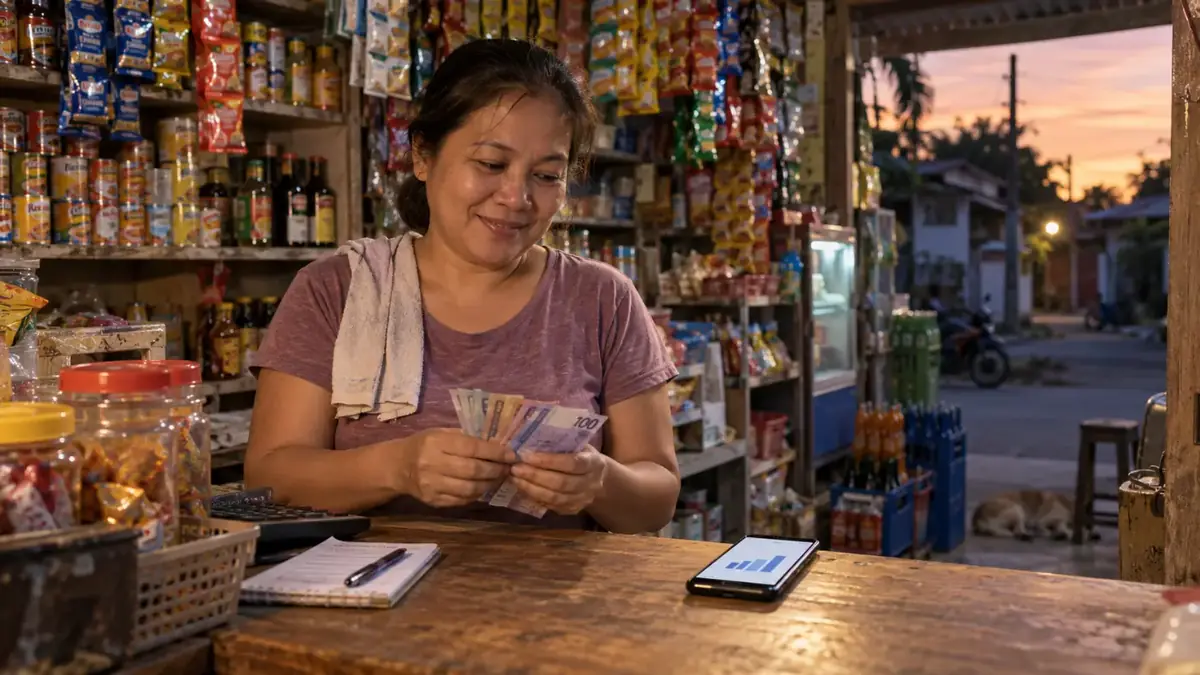
Most sari-sari stores run on a simple rule: if there's money in the drawer at the end of the day, it was a good day. That works until it doesn't. Maybe the cash feels short but you can't tell why. Maybe you're busy every day but your savings aren't growing. Tracking daily sales is how you find out what's really happening in your store.
The good news: you don't need to be an accountant. You need a simple routine you can do every day in a few minutes. Here's one that works.
Why tracking daily sales matters
When you write down (or record) every sale, three things become possible:
- You know your real income. Not a guess based on the drawer, but an actual number for today, this week and this month.
- You see what sells. You'll notice that some items move every day while others sit on the shelf for weeks — and you can stop buying the slow ones.
- You catch problems early. If the cash in the drawer doesn't match your recorded sales, you'll know the same day, not weeks later.
Step 1: Decide what to record for every sale
Keep it simple. For each sale, you only need:
- What was sold (item and quantity)
- How much the customer paid
- How they paid — cash, GCash, Maya or other
- The time (so you know your busy hours)
If you also sell on credit (utang), record who owes you and how much. Utang that isn't written down is money you'll probably never collect.
Step 2: Choose a recording method you'll actually use
There are three common ways to record sales. The best one is the one you'll stick with on a busy day.
A notebook
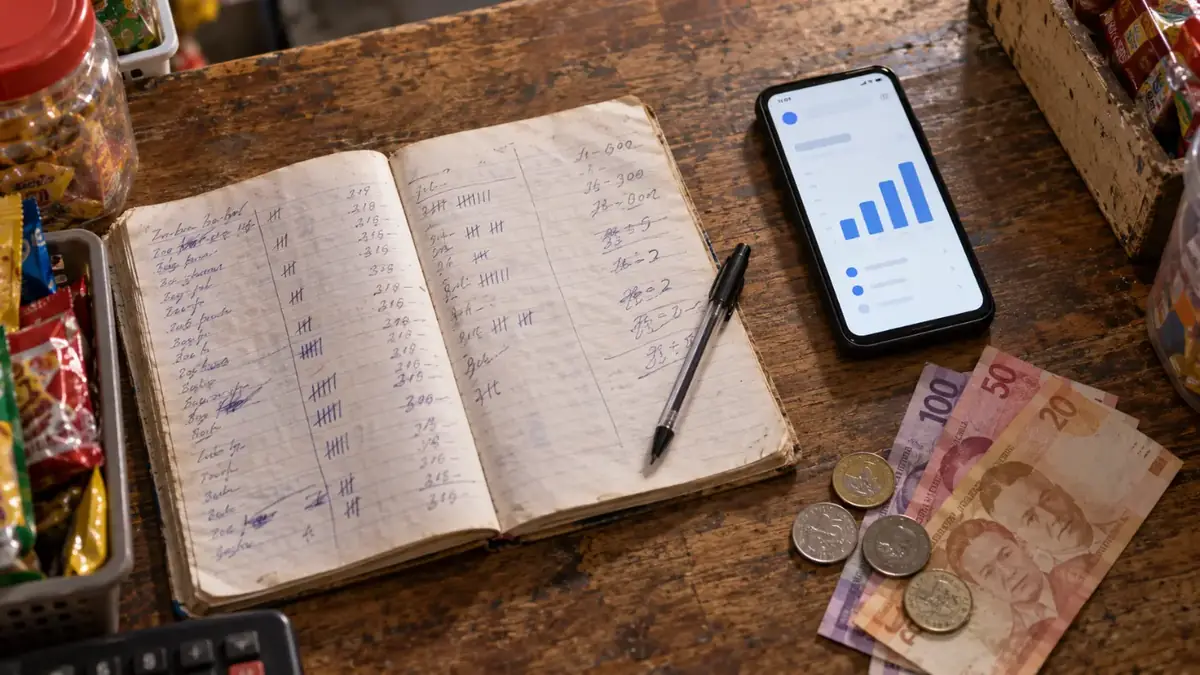
Free and familiar. The downside: it's slow during rush hours, easy to skip, and adding everything up at night takes time. Mistakes in addition are common.
A spreadsheet on your phone
Better for totals, but typing every sale into a spreadsheet while a customer waits is awkward. Most store owners give up after a few days.
A POS app
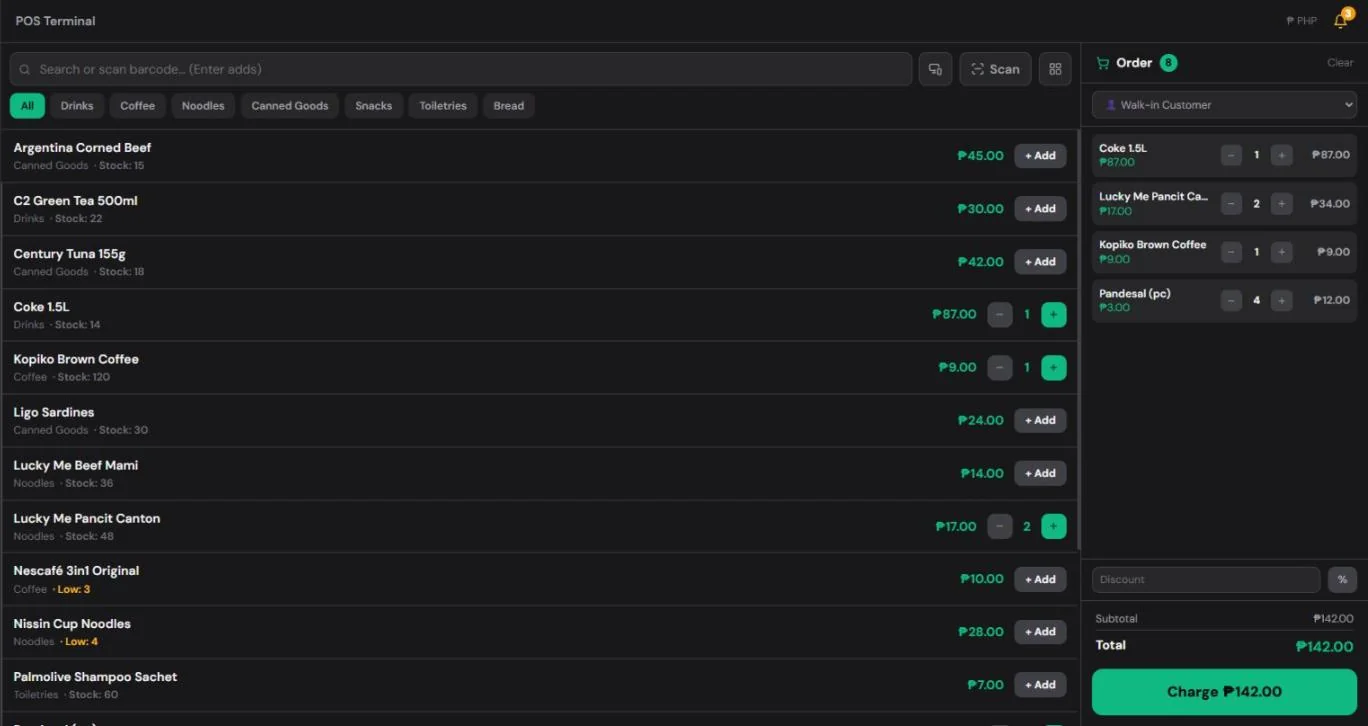
You tap the items, the app adds the total and saves the sale automatically. At the end of the day, your totals are already done. This is the fastest option once your items are set up — and it doesn't have to cost anything (more on that below).
Step 3: Close the day the same way every night
At closing time, take five minutes to "close the day":
- Count your cash. Write down how much is in the drawer.
- Subtract your starting cash. If you started the day with ₱500 in change, remove that from the count.
- Compare with recorded cash sales. The cash you collected should match your recorded cash sales for the day.
- Check GCash and Maya separately. Look at your e-wallet history and compare it with the GCash and Maya sales you recorded.
- Write down any difference. Small differences happen (wrong change, an unrecorded sale). Big or repeated differences need attention.

Doing this every night is the single most useful habit for any small store. It takes minutes, and it tells you immediately if something is off.
Step 4: Review your week
Once a week, look back at the last seven days and ask:
- Which days were busiest? Make sure you're well stocked before those days.
- What were my top-selling items? Never let these run out.
- What didn't sell at all? Consider buying less of these next time.
- Did my sales go up or down compared to last week? If they went down, think about why — a nearby competitor, a missing best-seller, shorter opening hours?
This weekly review is where tracking starts to pay off. The numbers show you where to put your money.
Common mistakes to avoid
- Mixing personal money with store money. If you take ₱200 from the drawer for household expenses, record it as a withdrawal. Otherwise your cash will never match your sales.
- Recording only "big" sales. Small ₱5 and ₱10 sales add up to a large part of a sari-sari store's income. Record everything.
- Skipping the daily close. Once you miss a few days, it's very hard to figure out where a cash difference came from.
- Not tracking GCash separately. E-wallet payments are easy to forget because no cash changes hands. Record them like any other sale.
How a free POS makes this easier
A POS (point-of-sale) app does most of this work for you. With HuggsPOS, for example:
- Every sale is saved automatically with the items, total, time and payment method — cash, GCash, Maya or card.
- Your daily sales total is ready the moment you close, with no adding up.
- Sales reports show your totals by day, by item and by payment method, so your weekly review takes a minute instead of an hour.
- It runs on the phone you already have, and keeps working even when the internet drops — sales sync once you're back online.
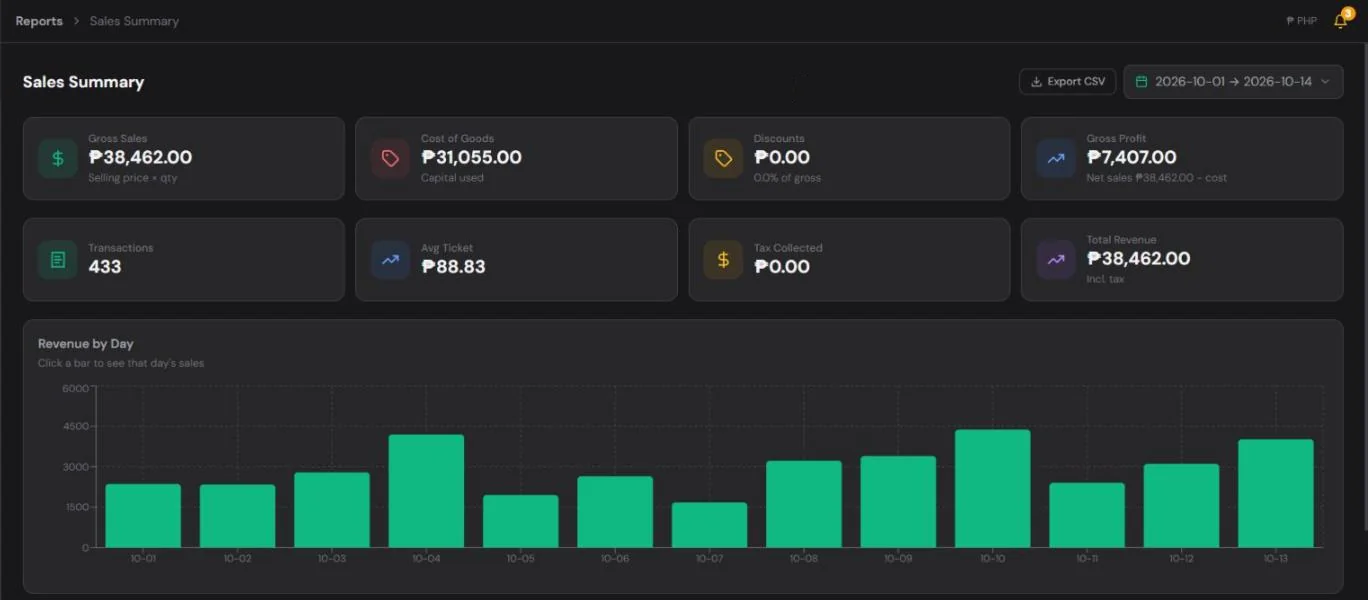
The Free plan includes the POS, inventory and sales reports for the last 7 days, which is enough for the daily-close and weekly-review routine above. Every new store also gets 30 days of Pro free, which adds full sales history, staff logins and more.
Start with one week
You don't need a perfect system on day one. Start by recording every sale for one week and closing each day properly. By the end of that week, you'll know more about your store than you learned from months of guessing.
Ready to try it? Create your free HuggsPOS store — it takes about two minutes, and you can start recording sales today.